Choose your photo
One adult, a clear face, and the outfit you want to wear. A full-body photo gives the best starting point.
AVAILABLE NOWTHE CHRISTMAS COLLECTION
Your photo. Santa’s dance floor.
Make a little Christmas magic, made personal.
30 credits per video · Confirmed failures return credits
Santa uses 30 credits. The 10-credit pack alone is not enough for one Santa video.
Buying credits does not start generation. Terms · Refund PolicyAI motion and likeness can vary. The artwork is a concept, not a generated sample.
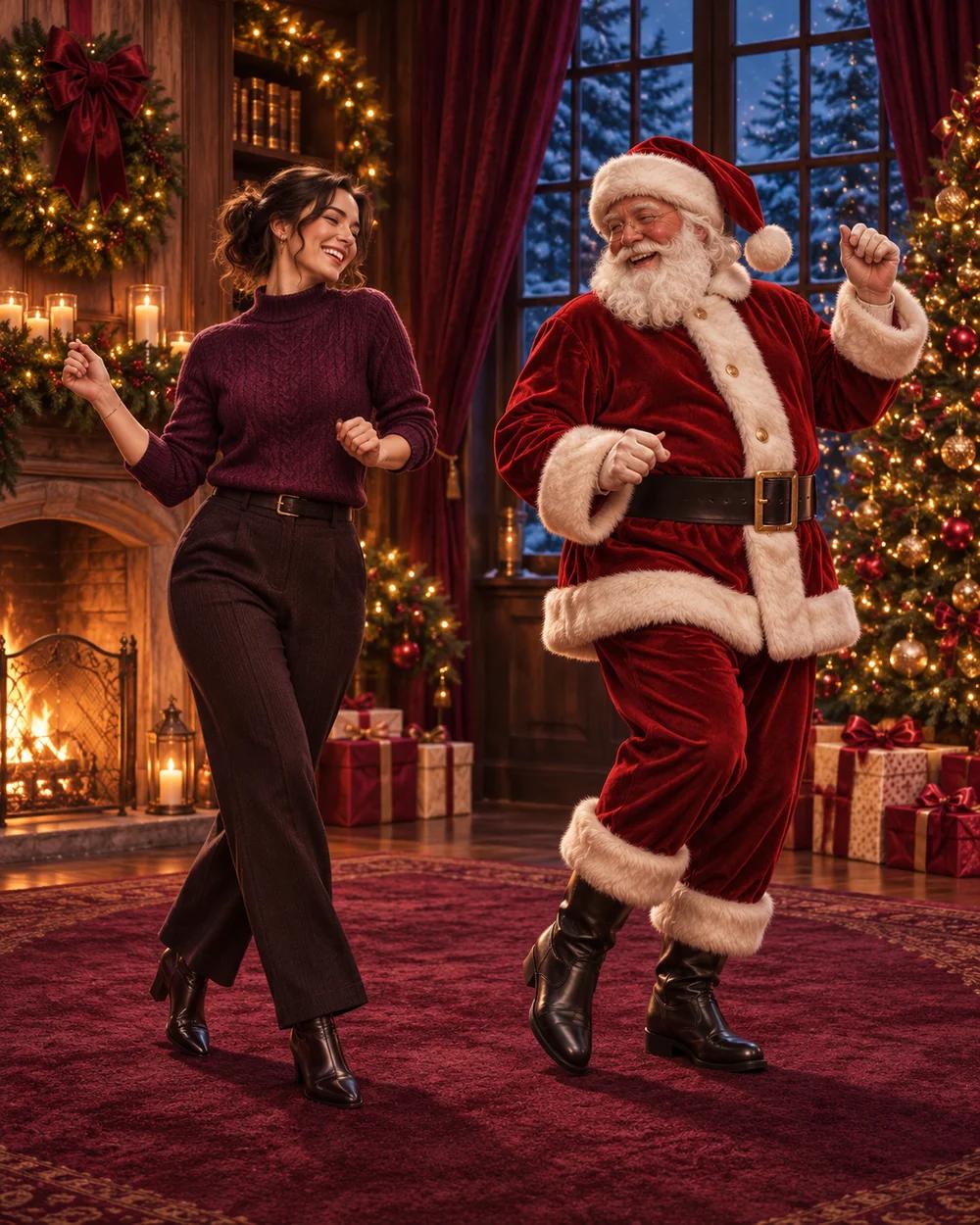 CONCEPT ARTWORK
Save a dance
for yourself.
A photo-to-video Christmas trend that puts you beside Santa for a playful duet. Also known as Dancing With Santa or Bailando con Santa, the scene combines a festive room, a familiar dance and your own appearance. Upload one photo to create a 15-second vertical duet for 30 credits.
MAKE THE MOMENT YOURS
Choose your photo, confirm the cost and make your own festive duet.
One adult, a clear face, and the outfit you want to wear. A full-body photo gives the best starting point.
AVAILABLE NOWA 15-second vertical dance at 768p. Keep the export silent or add a soundtrack when you post.
AVAILABLE NOWSign in and press Generate for 30 credits. Watch its progress, then download your private MP4 from My creations.
30 CREDITSTHE SCENE, EXPLAINED
The effect separates your appearance from the dance reference. It isn’t a face pasted onto the concept image.
The photo supplies your facial features, hairstyle and visible clothing. Likeness will need to hold throughout the full dance, including turns.
The reference guides the movement and rhythm. Santa stays a separate character, beside you in the decorated Christmas room.
Your download is silent. Add available music when you post, or keep a clean clip for your own edit.
Find the trend sound on TikTok ↗A BETTER STARTING POINT
Use your own photo or one you have permission to use.
CLEAR FROM THE START
Photo selection is free. Generate a 15-second, 768p video for 30 credits. The Trio pack includes 30 credits for $24.99; credits never expire.
Credits are shared with Riding Lion. Multiple pack balances can be combined. Confirmed generation failures return the credits used. Buying credits does not start a video.
A FEW THINGS TO KNOW
Dance With Santa AI, also called Dancing With Santa or Bailando con Santa, is a Christmas photo-to-video format. One adult dances beside Santa in a decorated room.
Choose one adult photo, sign in and confirm photo permission. Press Generate to start a 15-second, 768p, vertical video for 30 credits. Buying credits or returning from sign-in does not start Santa generation automatically.
Use one photo of one adult. The photo supplies appearance and visible clothing; Santa stays as the other character. A clear full-body photo works best. Couple and pet modes are not supported.
Each Santa duet is 15 seconds in vertical 9:16 at 768p, generated with H3 through fal.ai. The reference guides the steps, two turns and brief raised-hand clap.
No. Choose a photo and generate directly on this website. You can download the MP4 or edit it in an app of your choice.
The template asks the model to preserve your face, hair and visible outfit. AI likeness and motion can vary, especially during turns. The artwork is a concept, not a generated sample or a guarantee of results.
The export is silent. A silent target audio track replaces model audio; the reference song is not included. Add music you may use in TikTok or your own editor. Music availability and rights depend on the platform and your use.
One Santa video uses 30 credits. Packs are $9.99 for 10 credits, $24.99 for 30 and $69.99 for 100. Credits never expire and can also be used for Riding Lion. A 10-credit pack alone is not enough for Santa. Confirmed generation failures return the credits charged, not an automatic cash refund.
Selecting a photo creates a local preview. Photo and settings can be restored on this device for 24 hours after sign-in or checkout. Starting generation saves a resized photo in private Cloudflare R2 and sends it to fal.ai. The finished video is saved privately and appears in My creations, where you can download or delete it.
MAKE YOUR FIRST DUET
Follow the steps, choose your photo, or find help with a saved task.
Make a 15-second Christmas duet from one photo. Learn the 30-credit workflow, silent download, and separate music step before you start.
4 min read ↗PHOTO GUIDEChoose one adult photo for a Christmas duet: face, outfit, framing, file limits, and what a single image can tell the video model.
3 min read ↗TROUBLESHOOTINGFind help with photo uploads, missing credits, queued Santa videos, silent downloads, and failed tasks. Know what to check before retrying.
3 min read ↗A LITTLE MORE YOU. A LITTLE MORE CHRISTMAS.
15 seconds · 768p · 30 credits · Silent MP4